24/7/365 online access
View all reports anytime, from any device with internet — so authorized staff never lose sight of open cases.

Every Safe Hotline plan includes a secure online case management system for tracking, investigating, and closing ethics and compliance reports. Think of it as your online file cabinet: details, notes, documents, priority, and status for every incident, available anywhere with internet access.
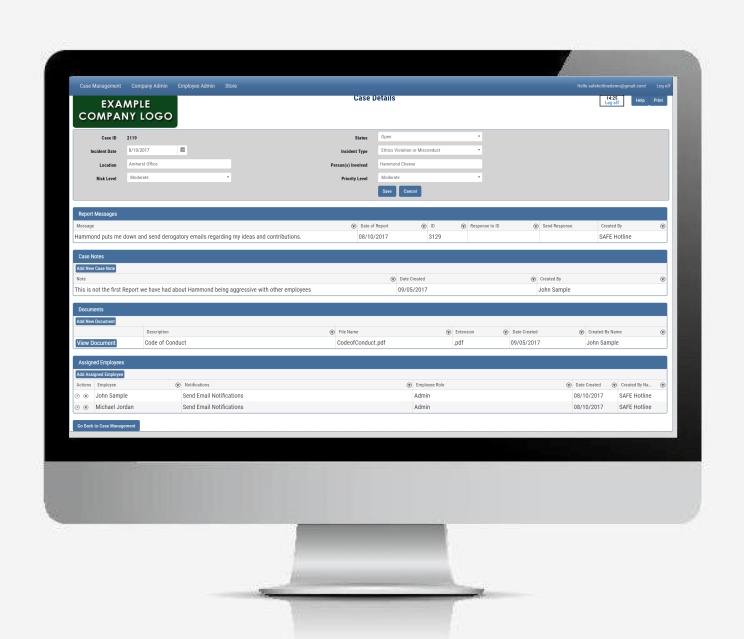
Track complaints end to end — from intake through follow-up and outcome — in a secure online workspace.
View all reports anytime, from any device with internet — so authorized staff never lose sight of open cases.
Give the right people permission to investigate each incident — and control who can see and update the case.
Set priority and risk on each incident so your team can focus first on what matters most.
Admins can message an anonymous reporter two-way through Report Status to ask follow-up questions and share updates — without ever learning who the whistleblower is.
Document investigation activity as you go — keep a clear record of decisions, actions, and context on every case.
Attach evidence and supporting files to the incident so related materials stay with the case.
Capture incident type, location, people involved, and a clear description of what was reported.
Export case information to an Excel file for reporting, audits, or offline review.
Track where each incident stands — follow-ups completed, current status, and final outcome — through resolution.
From login to case details and user roles — a simple path for admins and investigators.
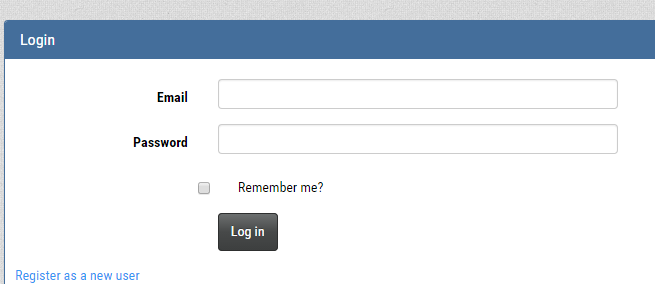
Visit Safehotline.com and click Login. Enter your username and password to open the Case Management System.
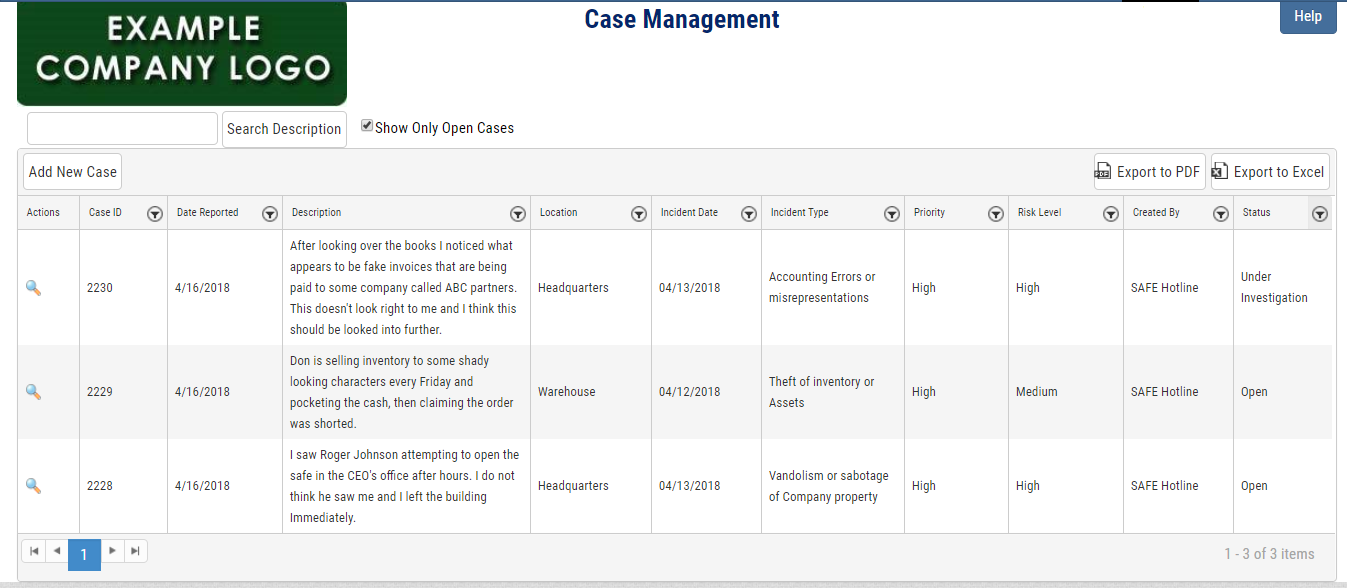
After login, the case management summary appears automatically. You’ll see all reported incidents with a brief summary and current status.
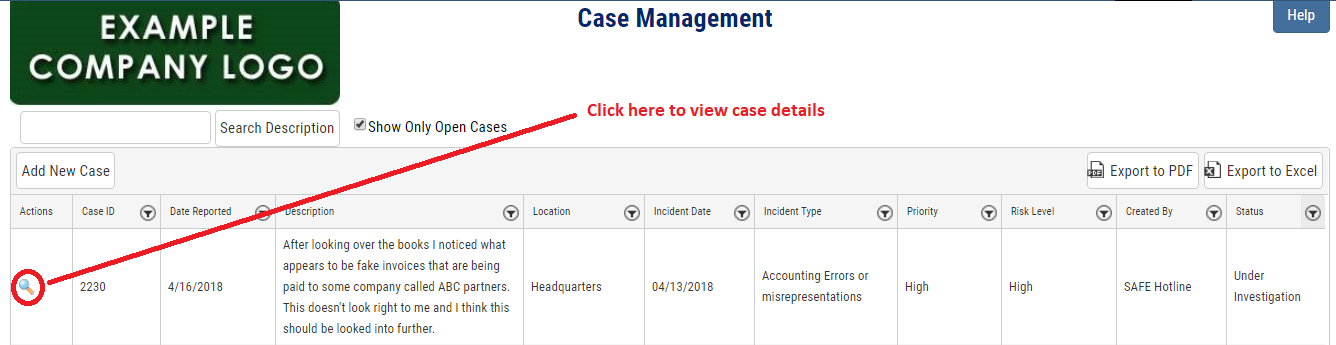
Click the magnifying glass icon to the left of a report to view that complaint in full detail.
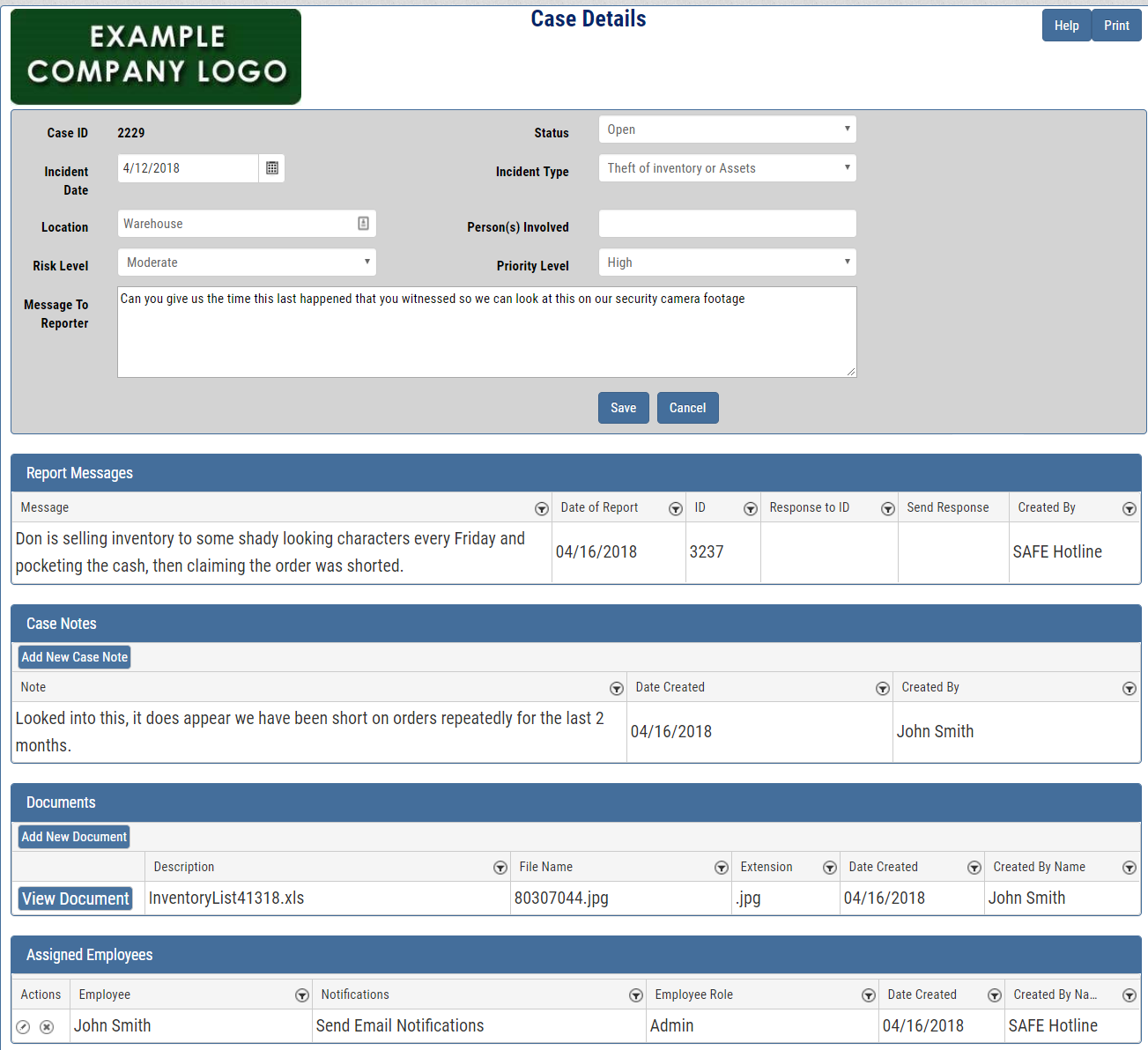
The header shows date, status, type, location, risk, people involved, and priority. Below that you’ll find report messages sent and received, case notes, uploaded documents, and assigned users — including who gets email notifications for the case.
The company representative named at registration can open Employee Admin to add users. Choose Admin (full rights and new-case email alerts) or Investigator (only cases assigned to them).
No charge for additional admins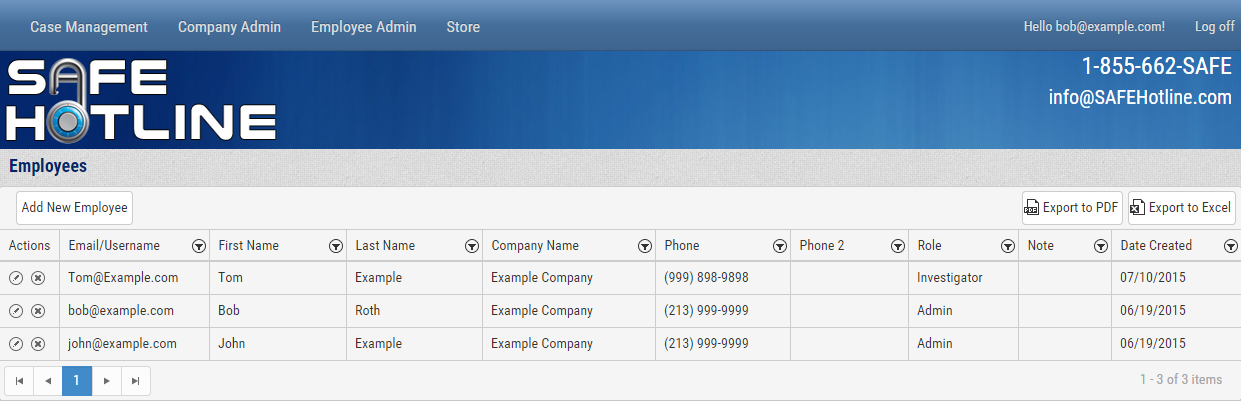
Want to see it in action? Contact us to request a demo video.
Flat yearly pricing — $600 for businesses and $500 for nonprofits (under 250 employees). No contract required.