Safe Hotline is an independent third-party confidential and anonymous reporting service for organizations in the US and Canada — so employees, whistleblowers, and others can report suspicious activity, abuse, potential fraud, ethics violations, and other wrongdoing.
Wondering why organizations add an ethics hotline? See the reasons.
How it works
How the ethics hotline service works, step by step
Anonymous intake for reporters, notification and case management for your team — plus posters and wallet cards for your workplace.
1
Anonymous reporting by phone, web, or text
Employees and other interested parties can anonymously report concerns 24 hours a day, 7 days a week, 365 days a year — three easy ways.
Toll-free phone
Call our toll-free number. Voicemail reports are transcribed for your team.
Secure web form
Submit online. Optionally opt in to anonymous two-way communication via SafeHotline.com.
Text message
Send a text to our toll-free number — same anonymous intake, anytime.
Once a report is submitted by any method, the reporter receives a unique Report Key to anonymously follow up. Web-form reporters can also opt in to secure anonymous two-way communication with the employer through SafeHotline.com.
2
Admin email (and optional text) notification
When a new report is filed, we promptly notify your organization by emailing the authorized individual(s) you selected.
Optional text notification for admins is also available (in addition to email) — see our FAQ for details. Authorized individuals can investigate the allegation personally or assign the complaint to someone else in the company.
Safe Hotline does not edit or alter the information we receive. We assume no responsibility for the validity or accuracy of any complaint submitted through our service. Please refer to our Terms of Use for additional information.
3
Case Management System
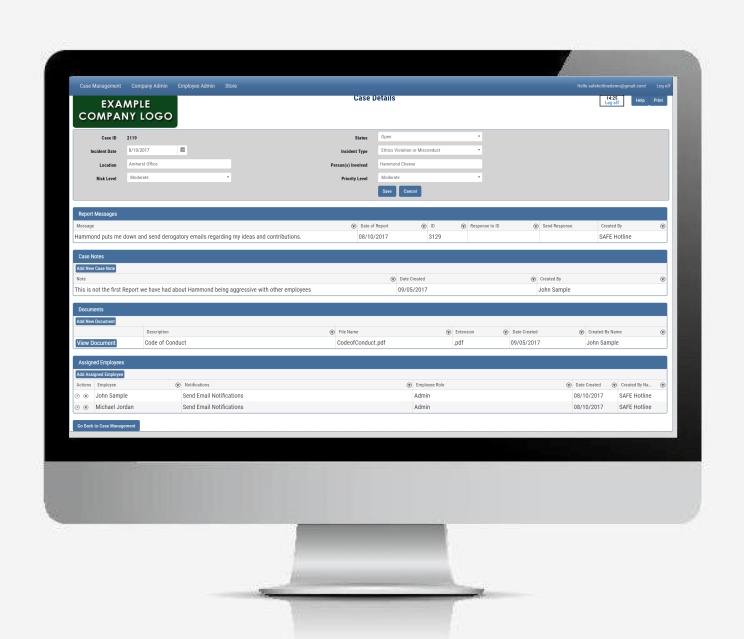
After you receive an email that a new report has come in, go to SafeHotline.com, log in, and open the Case Management System.
Reports appear first in summary format. Open any case to edit details such as risk level, people involved, and priority. Add case notes, upload supporting documents, or review files the complainant attached.
You can also set up investigator users who only have access to specific cases. Detailed Help screens are available in the system to help your team make the most of this tool.
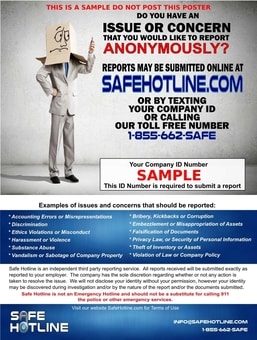
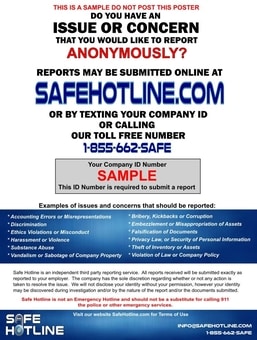
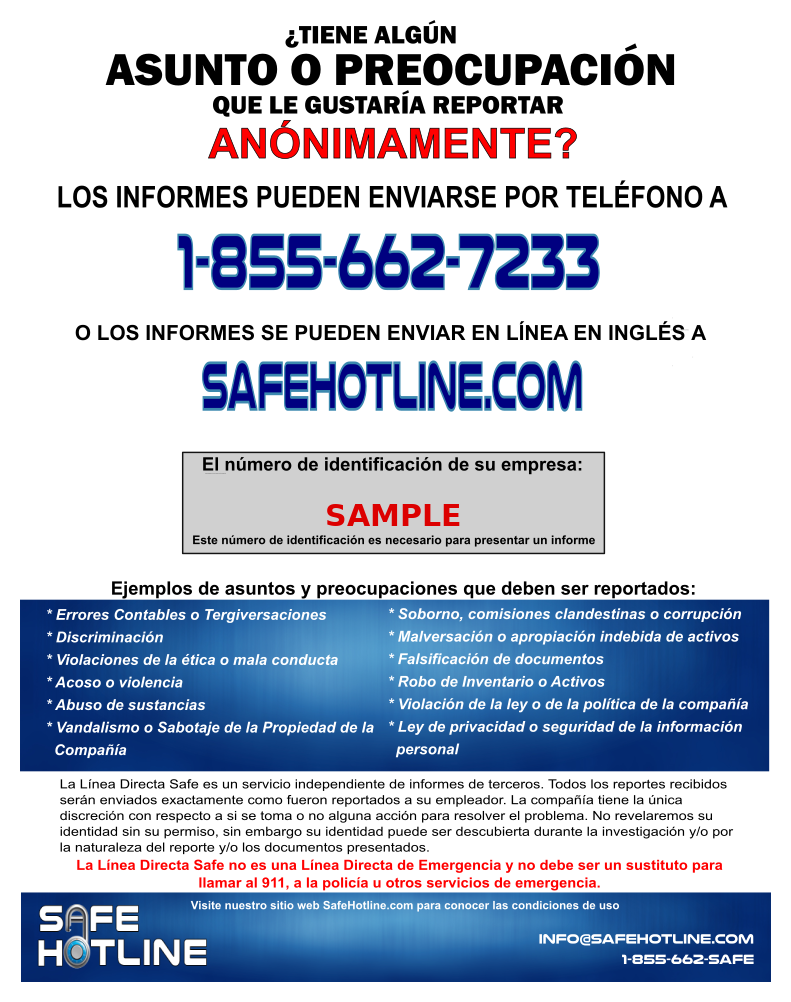
After registration, your company receives an 18×24 or 24×36 color poster with your Company ID — everything needed to file a complaint anonymously. Display it in a prominent location.
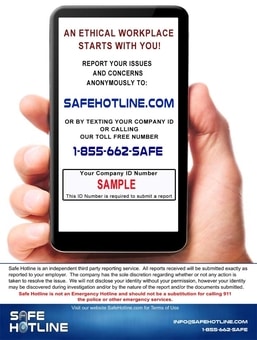
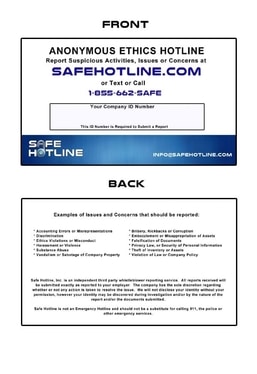
Need more posters or wallet cards? Admins can log in and order them from our online store.